
Event Registration System & On-site Badge Printing for Conferences & Exhibitions
Designed for real event conditions – from peak arrival traffic to last-minute changes
You make it really painless for us. 10/10… in fact, 11/10!
Searix provides fully managed event registration systems for conferences, exhibitions and corporate events, including RSVP microsites, QR check-in, on-site badge printing, access control, lead capture and trained event-day technicians. Deployments are available across major cities in Singapore, Asia and the Middle East.
Trusted by Leading Brands and Event Organisers
At 10,000+ Conferences, Exhibitions, Trade Shows & Corporate Events












Everything You Need for Event Registration & Badge Printing
From Microsites and RSVP to Name Badge Printing and Lead Capture
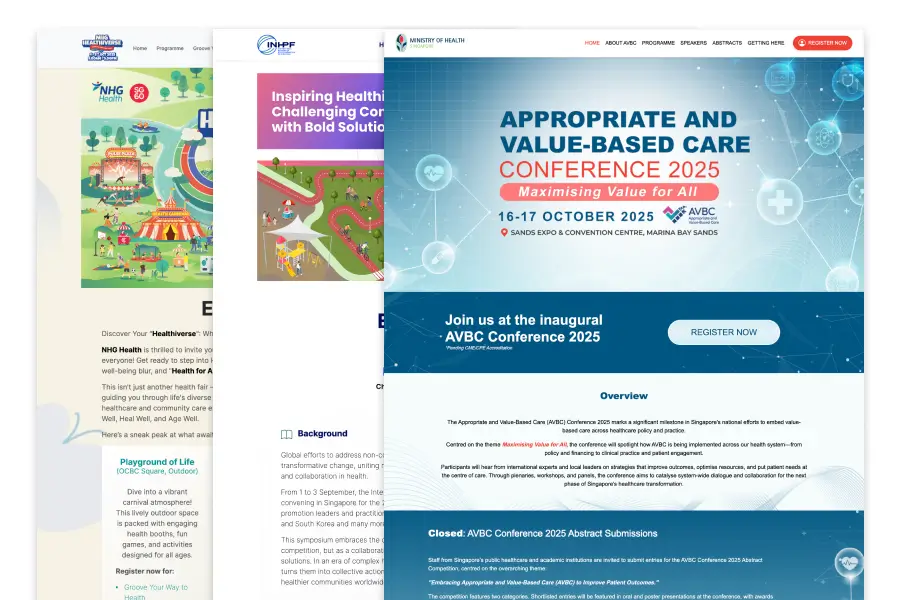
Event Registration
- Serviced white-labelled event micro site setup
- Make immediate updates to the site using Bob, our AI Agent
- Set up RSVP, including breakout session selection, capacity quotas & waitlists
- Generate a unique QR code for every approved attendee
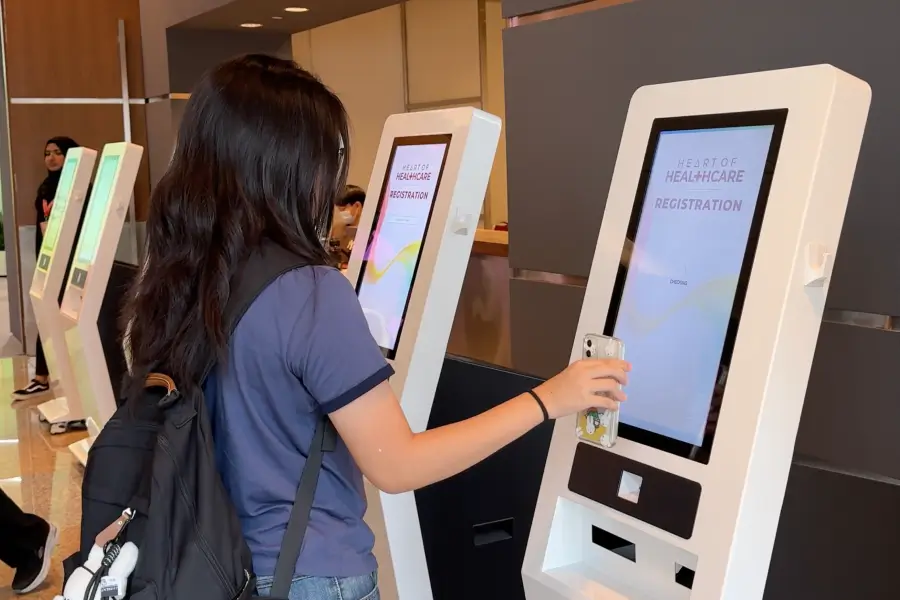
On-Site Registration
- Scan QR codes or type to search by names / other details
- Track attendance in real time
- Manage walk-ins and last-minute changes easily
- Managed by dedicated, trained on-site technicians
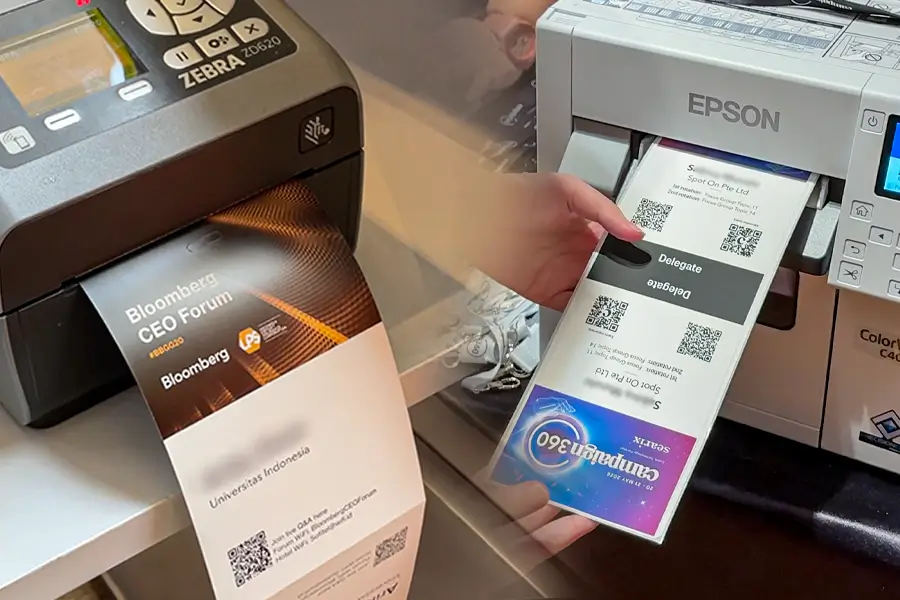
Name Badge Printing
- Print badges instantly within seconds
- Supports sustainable direct thermal or colour paper badges, stickers and labels
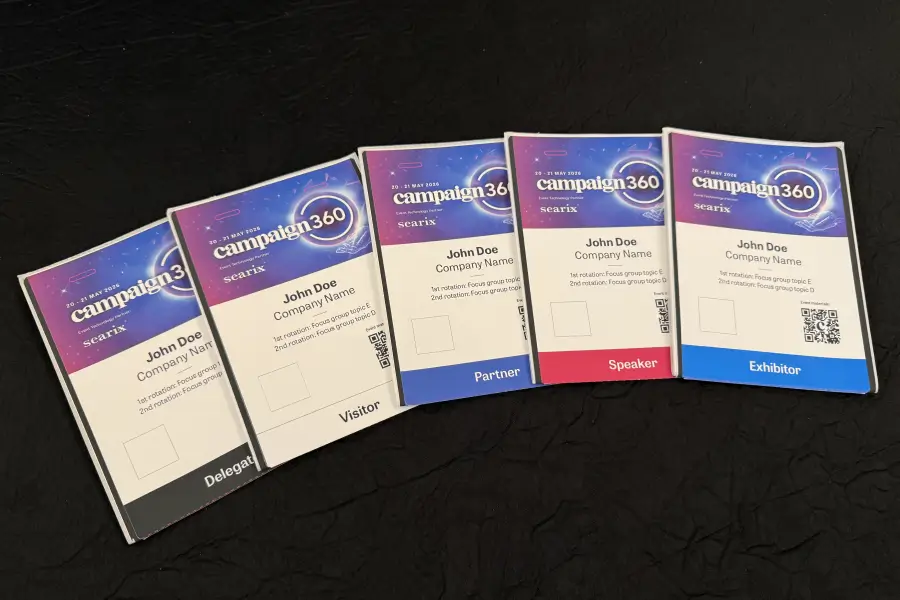
- Customise badge layouts for different attendee types
- Enable seamless lead capture for exhibitors and sponsors

Get a Quote Now
Share a few details about your event and our team will recommend the most suitable RSVP, on-site check-ins and badge printing solutions tailored for you.
Why choose us
Trusted at scale, designed for real-world event complexity
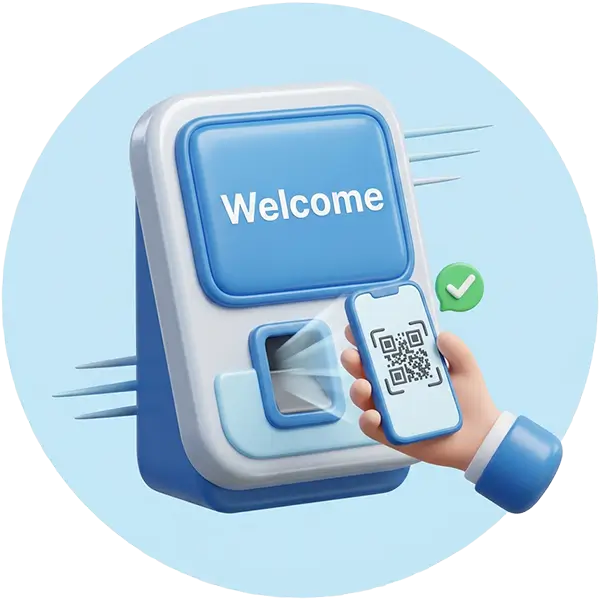
Fast On-Site Flow
Fast on-site registration, instant badge printing and real-time attendee tracking.

Trusted by Leading Organisations
Trusted by global brands and government agencies, at events with up to 300,000 guests.

Proven Across Regions
Proven across 10,000+ live events in Singapore, APAC and EMEA.

End-to-End Integration
Fully integrated system from registration to engagement, ensuring a seamless end-to-end event experience.
3 Types Of Name Badge Printing
We offer a range of name badge printing solutions to suit your event needs:
Sticker Labels
Fastest and most flexible
Sticker labels can be pasted directly onto clothing or applied onto a pre-printed badge template to create a full event badge.
Best for: Networking events, internal events
Why choose this: Fast setup, flexible content, suitable for different guest categories, and easy to integrate with QR check-ins or breakout-room access.
Important consideration: The printer prints in black on the sticker label only. On-site colour printing is not possible.
Typical setup: Brother label printers such as QL-700, QL-720NW, QL-800 or QL-820NWB, with common label heights such as 29mm or 63mm.
Direct Thermal Printed Paper Badges
Professional conference badge printing with strong, pre-produced branding
We can prepare pre-printed paper badge stock in advance, then print each attendee’s details on-site in black when they check in.
The badge templates come in fan-fold with perforated edges and pre-cut lanyard holes. The printout is folded to create a tear-resistant double-sided badge.
Best for: Conferences, summits, corporate forums and events with a confirmed badge design before event day.
Why choose this: Professional finish, durable badge stock and fast on-site personalisation.
Important consideration: The printer prints black on the badge stock only, so different badge designs usually require separate pre-printed templates. On-site colour printing is not possible.
Typical setup: Zebra direct thermal printers such as ZD500, ZD620 or ZD621. Production time for the badge stock is typically required before the event.
Full Colour Printed Paper Badges
Maximum flexibility for different attendee types and last-minute changes
This option prints directly onto blank badge stock using colour badge printers. This allows every registration counter to print any badge type, design or attendee category without needing separate pre-printed templates.
To improve durability, the badge stock can include a sticker backing. After printing, the backing is peeled and the badge is folded onto itself to form a double-sided, tear-resistant badge for lanyard use.
Best for: Conferences, exhibitions and multi-category events where badge designs may vary by attendee type.
Why choose this: Full-colour on-site flexibility, easier handling of last-minute changes, and one printer setup that can support multiple badge designs.
Important consideration: The print quality is more flexible but typically not as refined as factory pre-printed badge stock. Procure 2 weeks in advance to have the event’s key visual pre-printed on the badge stock in the factory.
Typical setup: Epson ColorWorks C4050 with blank fan-fold badge stock.
How it works
An end-to-end managed service for conferences, exhibitions, gala dinners and corporate events.
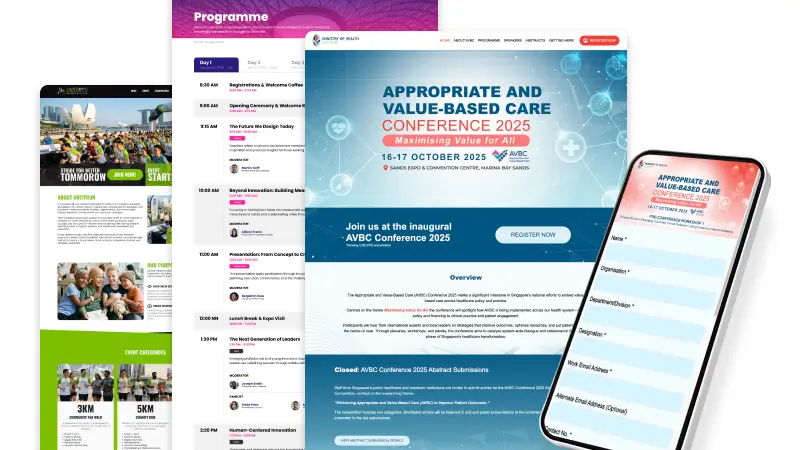
01 Microsite Creation
- White-labelled event microsite for your conference, exhibition or corporate event
- Event branding, agenda, speaker information and key event details
- Custom registration form fields, guest categories and conditional logic
- Mobile-friendly experience for invited guests and attendees
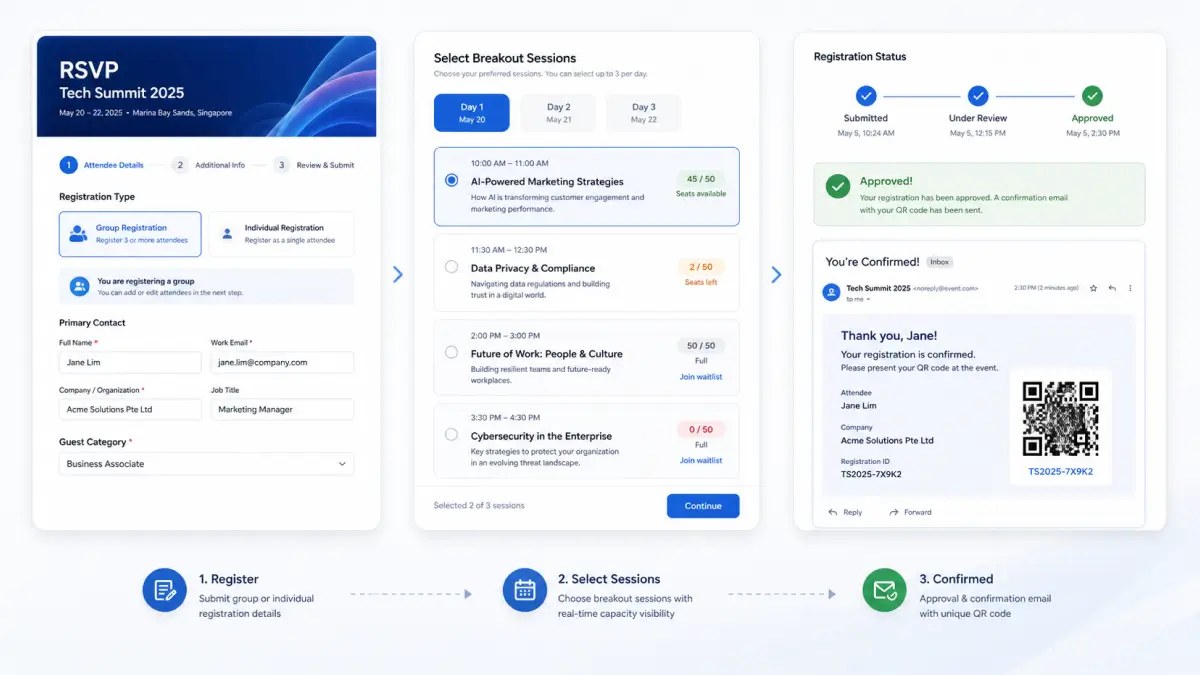
02 RSVP & Registration Flows
- Group registrations for departments, teams, companies or invited guest groups
- Breakout session registration, capacity limits and waitlist logic
- Approval flows, custom form routing and attendance eligibility rules
- Confirmation emails, reminder emails and personalised QR code issuance
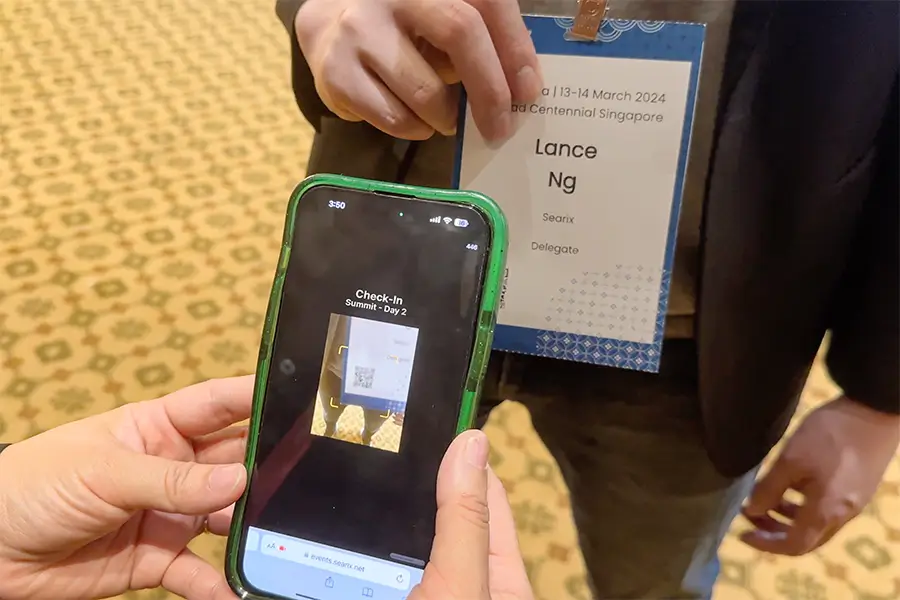
03 On-Site QR Registration
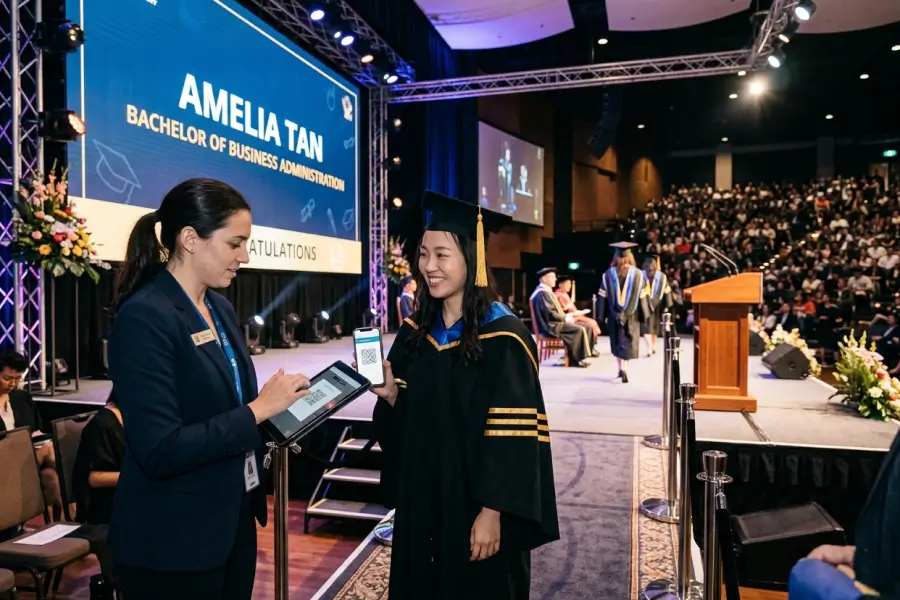
- QR code scanning at registration counters, kiosks or handheld devices
- Name, email, company or custom-field lookup for guests without QR codes
- Walk-in registration, last-minute changes and live attendance updates
- Managed by trained on-site technicians when required
- Conference registration system can incorporate session tracks into registration data
- Exhibition registration system can incorporate sponsor / exhibitor flows
04 Name Badge Printing
- Sticker labels for fast throughput at dinners, roadshows and high-volume arrivals
- Paper badges for professional conferences, with lanyards and QR codes
- Print colour badges on-site so that different attendee types can get different badge designs
- Supports event-grade printers such as Zebra ZD621 for direct thermal printing and Epson ColorWorks C4050 for colour badge output
05 Check-ins, Access Control & Lead Capture
- Session check-ins, breakout room tracking and zone-based access control
- VIP, media, staff or restricted-area access validation
- Exhibitor and sponsor lead capture through badge or QR code scans
- Post-event attendance, check-in and scan reports
Frequently Asked Questions
Common questions about RSVP, on-site check-ins, badge printing and lead capture operations
Can you generate the QR codes but we send the invites ourselves?
Yes! If you have an invitation card artwork, Searix can merge the QR codes into the artwork so that you can send individual JPG or PDF files with personalised invite cards.
Can we send the QR codes / E-Invites from an email address we provide?
Yes, you can. As long as you provide usable SMTP connection details, e.g. server, username and password or API key. Other security and compliance settings might also need to be set depending on your email service provider, e.g. allowing SMTP connections for that specific username.
Can we collect payment for RSVPs / ticketing?
Yes, we can enable the ticket and payment module for you to collect payments via PayPal or Stripe.
Does your ticketing module support promo codes and corporate invoicing?
Yes, promo codes can be defined and corporate invoices can also be generated from the system. The content of the invoices can be configured to your billing entity.
I do not want emails to end up in Spam/Junk. How do you deal with email deliverability issues?
Searix minimises the chances of emails landing in spam folders through best practice configurations such as SPF, DKIM and DMARC records, as well as the usage of good reputation email servers that are not on any known email blacklists.
However, if we deploy the RSVP / ticketing system on a new domain name, some corporate email servers may recognise emails from newly-registered domains as spam mail despite the configurations being in place.
To alleviate such matters, we recommend either:
- For internal recipients: Whitelisting the email server IP internally with the help of your IT team’s support; or
- For external recipients: Include an “alternative email” field in the RSVP form that encourages your registrants to key in their personal email address for an alternative receiving inbox that does not use corporate spam filters.
Do you print invitation cards?
We generally do not pre-print invitation cards for distribution before an event, but are happy to refer you to our preferred local partners.
What is the maximum number of guests your registration system can support?
The largest registration process Searix has supported is for 300,000 pax. The system is able to support beyond that and just needs proper hardware and infrastructure configuration.
Can I conduct RSVP myself and provide you with a guest list to just perform on-site registration and event badge printing?
We can import your confirmed guest list into our system and operate the on-site registration and name badge printing aspects of your event.
How many on-site registration stations will my event require?
There are many factors that contribute to this recommendation, for example…
- How many guests are you expecting at the event? Generally, the more guests expected, the higher number of stations required.
- How long do you have for your guests to register on-site? Generally, the shorter the time, the higher number of stations required.
- How will your guests arrive? Will there be chartered buses so many people arrive at once? If everyone is expected to arrive at the same time, more stations are required.
- What further interactions do you need with the guest after the system marks them as being present at the event? Do we need to print a name badge for them? Do they need to select a door gift? Generally, the more interactions expected, the higher number of stations required.
Here are a few recommendations for a few specific situations…
An event expecting 400 guests without special transport arrangements, the need to distribute door gifts and need to print any badges will require 2 on-site registration stations to clear the queue effectively within an hour.
An event expecting the same 400 guests without special transport arrangements, but with a need to print paper-based name badges will require 5 on-site registration stations with paper badge printers to clear the queue effectively within an hour.
Contact us with your requirements for a personalised recommendation!
How much will a registration and event badge printing setup from Searix cost?
Most fully managed Searix event registration and on-site name badge printing deployments are usually budgeted at US$7,000 to US$14,000 for a one-day event. This typically covers the registration system, on-site equipment, badge consumables and trained technicians as a fully managed service.
Software-only, DIY packages or smaller on-site support setups may be scoped differently.
Your exact quote depends on factors including:
- Microsite and RSVP form complexity
- Number of event days and registration equipment – laptops, kiosks and badge printers
- Consumables – badge stock, sticker labels and printer media
- Extensions – lead capture, access control, session tracking, and the associated devices
- Data management – guest list imports, RSVP flows, approvals and reporting
- Location charges – e.g. moving the setup between venues or overseas deployments
- Number of on-site technicians and their hours
A one-day seminar with two sticker-label stations sits at the lower end; a multi-day exhibition with colour badge printing across many counters sits at the higher end. Share your event details with us for a precise quote.
Which countries can you provide registration and badge printing in?
Searix provides registration and badge printing services in major cities in Asia and the Middle East.
Specialised badge printing equipment and trained technicians are available in various cities including Singapore, Kuala Lumpur (Malaysia), Bangkok (Thailand), Jakarta (Indonesia), Hong Kong, Tokyo (Japan) and Dubai (UAE).
Experienced technicians may also travel to your event location, depending on schedule, equipment and visa/logistics requirements.
Does the registration system need an internet connection to function?
Searix’s registration systems require a stable internet connection to work. We recommend checking with your event venue if they have a free WiFi that is at least sufficient to support basic reliable web browsing.
Do you have backups in case your system fails?
Yes! Searix has 10-minute backups for our registration systems, so that the maximum data loss for each event will be 10 minutes.
For more critical setups, we can also add warm or hot mirror servers.
Are your registration screens customisable?
Yes, they are fully white-labelled and customisable. Upon confirming an event with Searix, we will provide you with a channel kit that contains design guidelines so that you can create a background in line with your event’s theme.
Why Print Badges?
Event badge printing unlocks tools and support needed to run a conference or exhibition registration smoothly
Also need engagement tools?
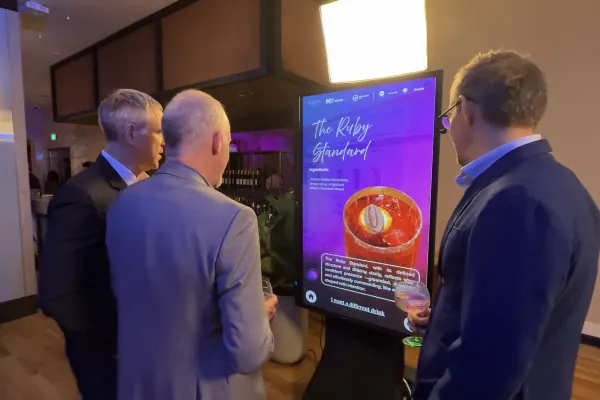
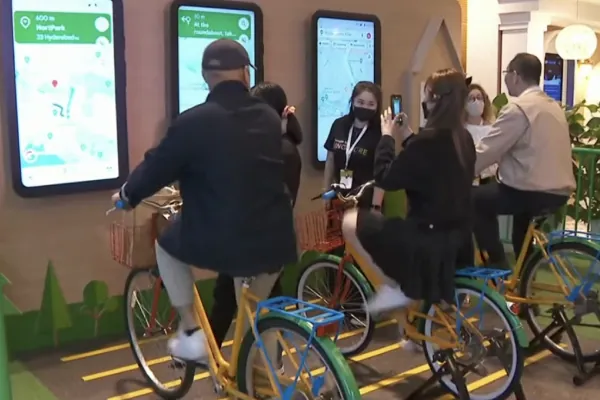
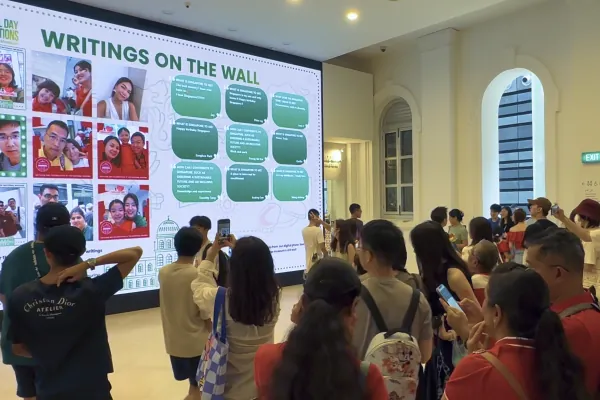
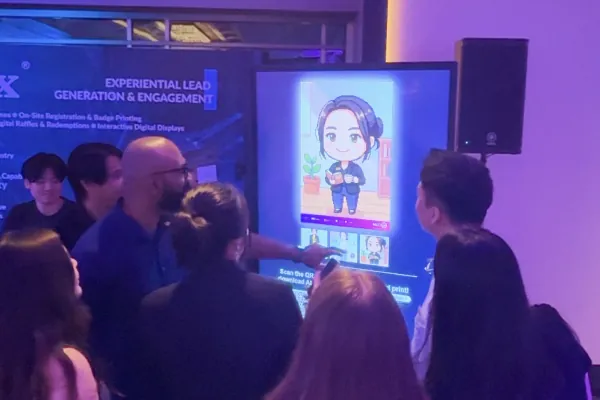
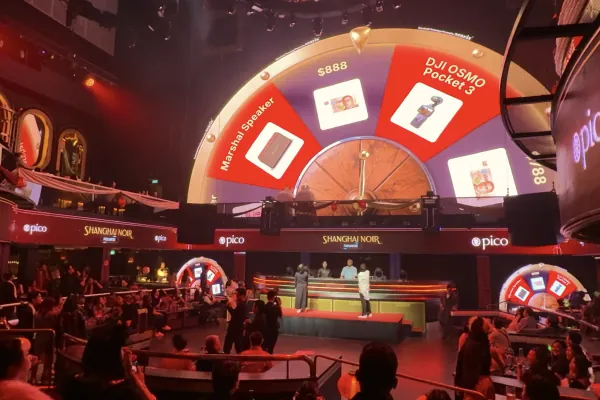
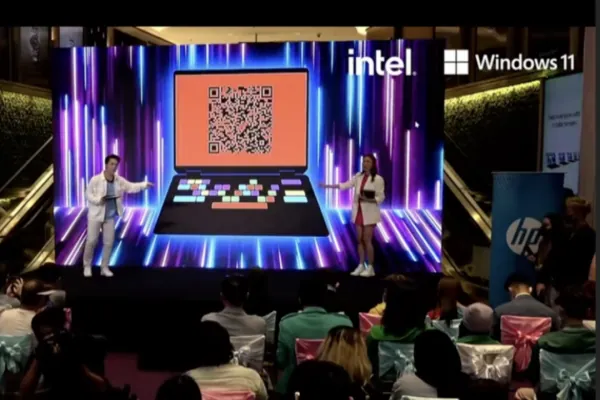
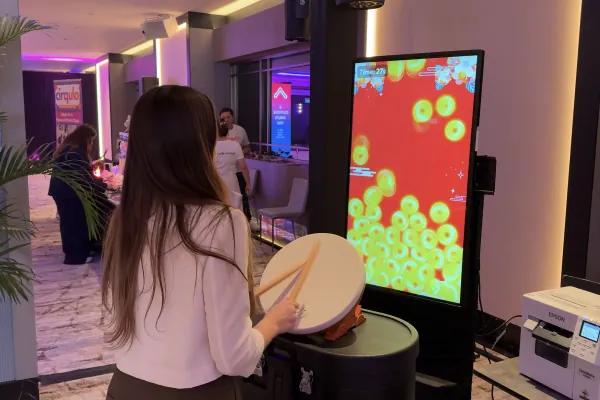
Over 50 Tools built for Experiential
Lead Generation & Engagement
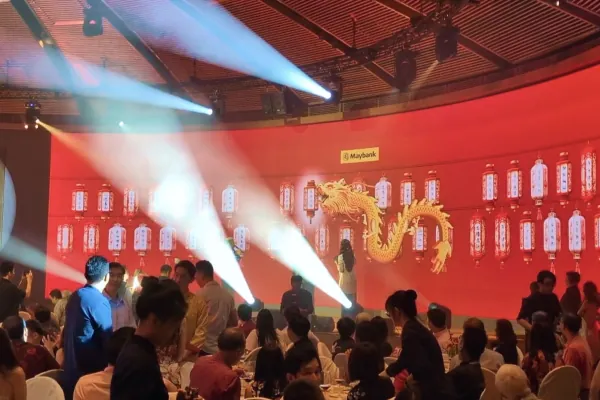
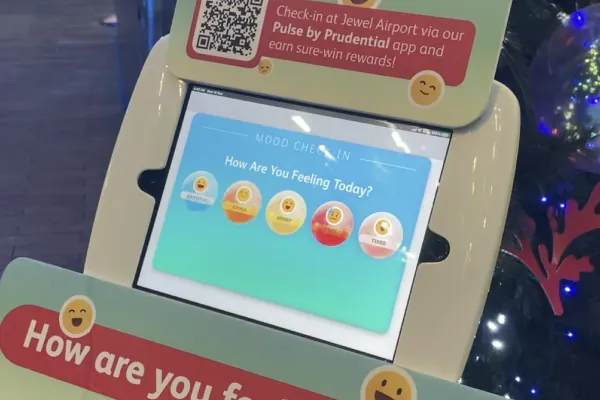
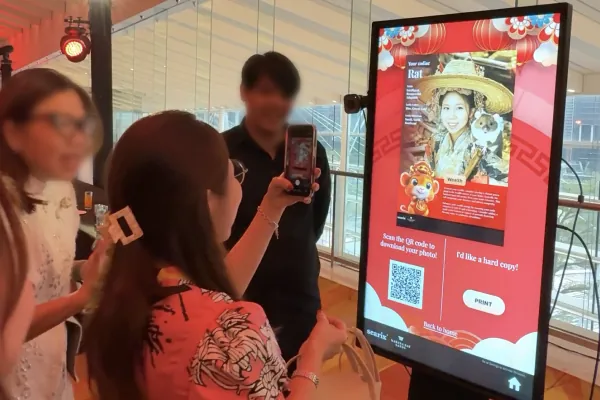
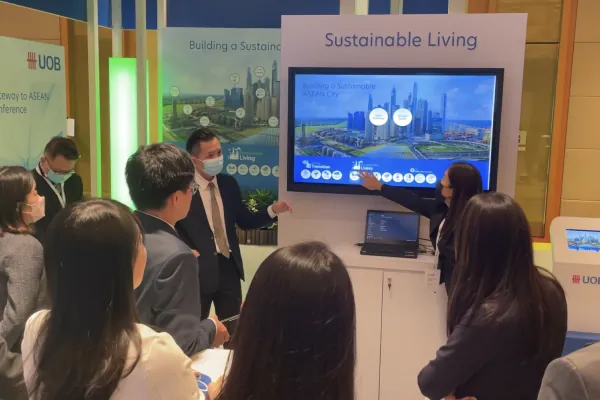
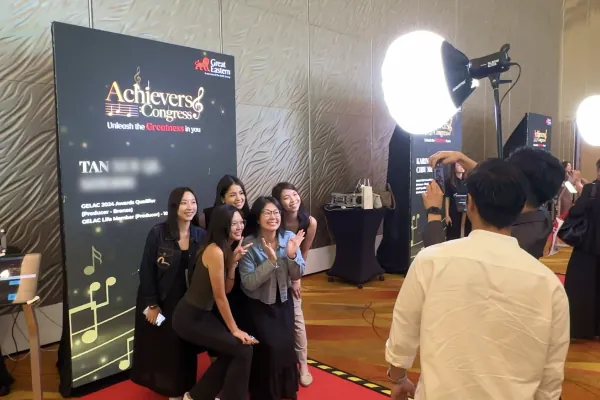
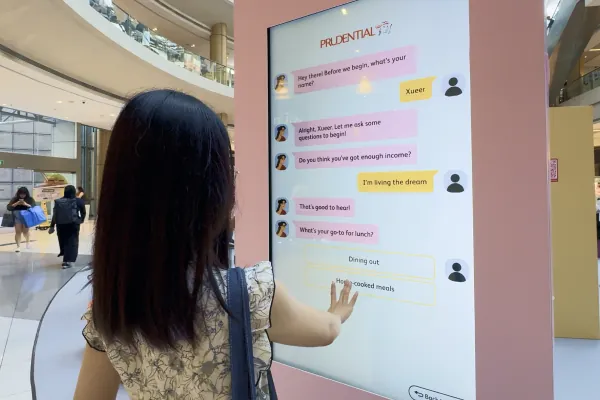
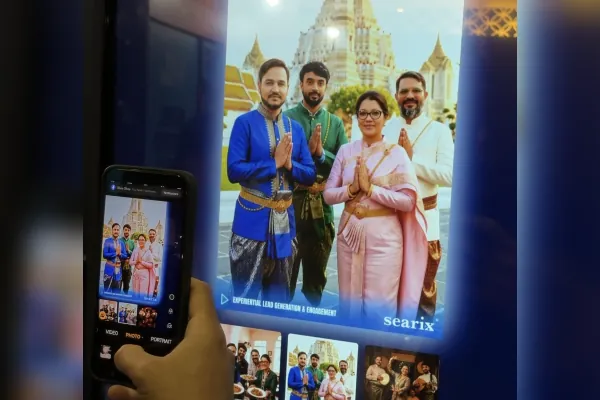
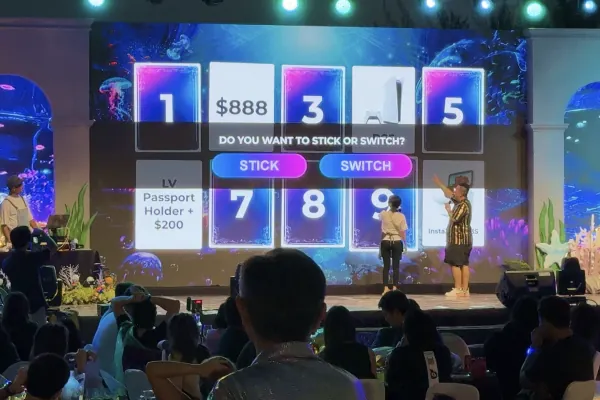
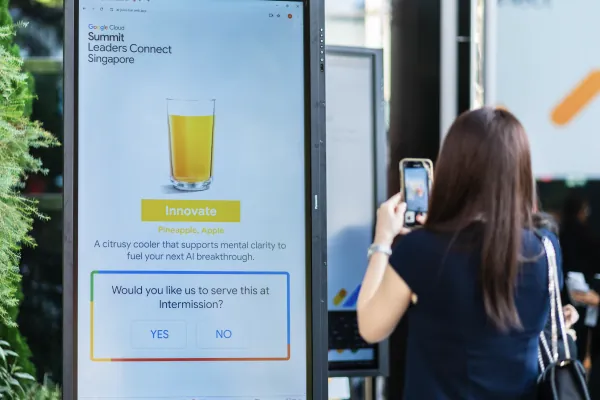
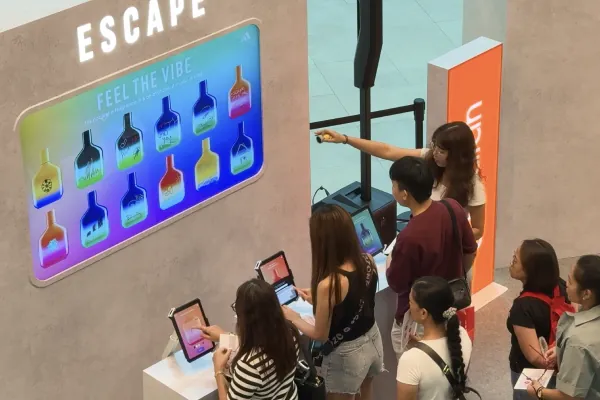
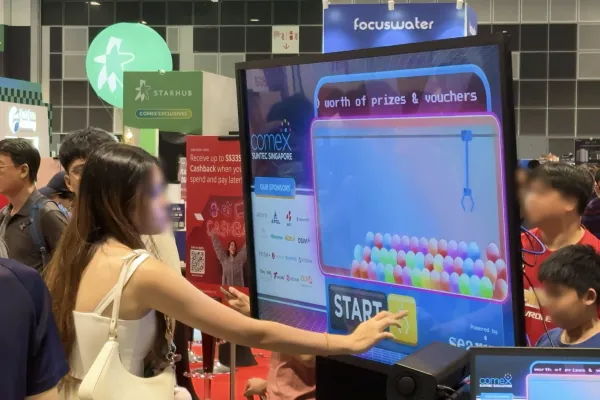
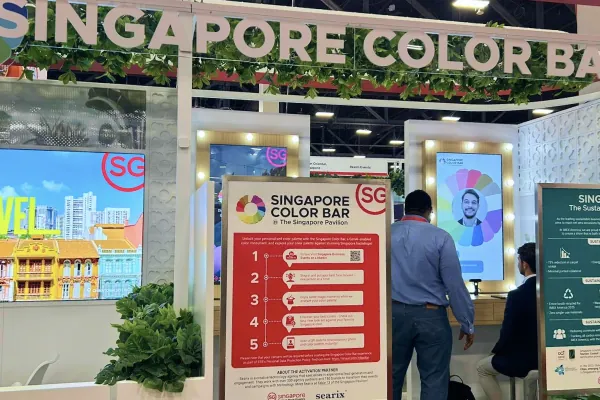
AI Activations, Redemption Mechanisms, Gamified Experiences, Photo Booths and more.

Get a Quote Now
Share a few details about your event and our team will recommend the most suitable RSVP, on-site check-ins and badge printing solutions tailored for you.